Human takeover on Local Services leads
Decide what the AI does after a person replies — per lead, or as an account default.
Human takeover on Local Services leads
An agent answers a Local Services lead. Then someone on your team joins the conversation. Should the agent keep going?
There is no single right answer. A one-person business that jumps into every promising thread wants the agent to stand down. A dispatcher who drops in one correction and moves on wants it to carry on. So Karmaflow.ai asks rather than deciding, in two places: on the individual lead, at the moment someone replies, and as an account default for replies it detects elsewhere.
What You'll Need
- Google Ads connected, with an answering agent — see Connect Google Ads.
agents:sms:manageto change either setting. Withagents:sms:readyou can see a lead's state but not change it.
Per lead: choose as you reply
Whoever is typing knows something no account-wide setting can — whether they are taking this conversation over or handing it straight back. So the choice sits in the reply panel itself.
Agents → Reports & Logs → Sent SMS → the answering agent → the thread → Reply via Google
Under the message box, After you send, the AI should…
| Option | What the agent does on this lead |
|---|---|
| Keep replying | Answers the next consumer message as normal. |
| Draft for me | Writes the next reply; a person approves or edits before it sends. |
| I'll take it from here | Does not reply to this lead at all. |
Draft for me uses the same approval queue as the account-wide approval setting, at the bottom of the Google Ads settings page — it is not a separate place to check.
The control starts on whatever the lead is already set to, so opening the panel and leaving it alone changes nothing.
The thread tells you, and lets you undo
Once a lead is off Keep replying, its transcript carries a banner:
A person is handling this lead — the agent will not reply. · Hand back to the agent
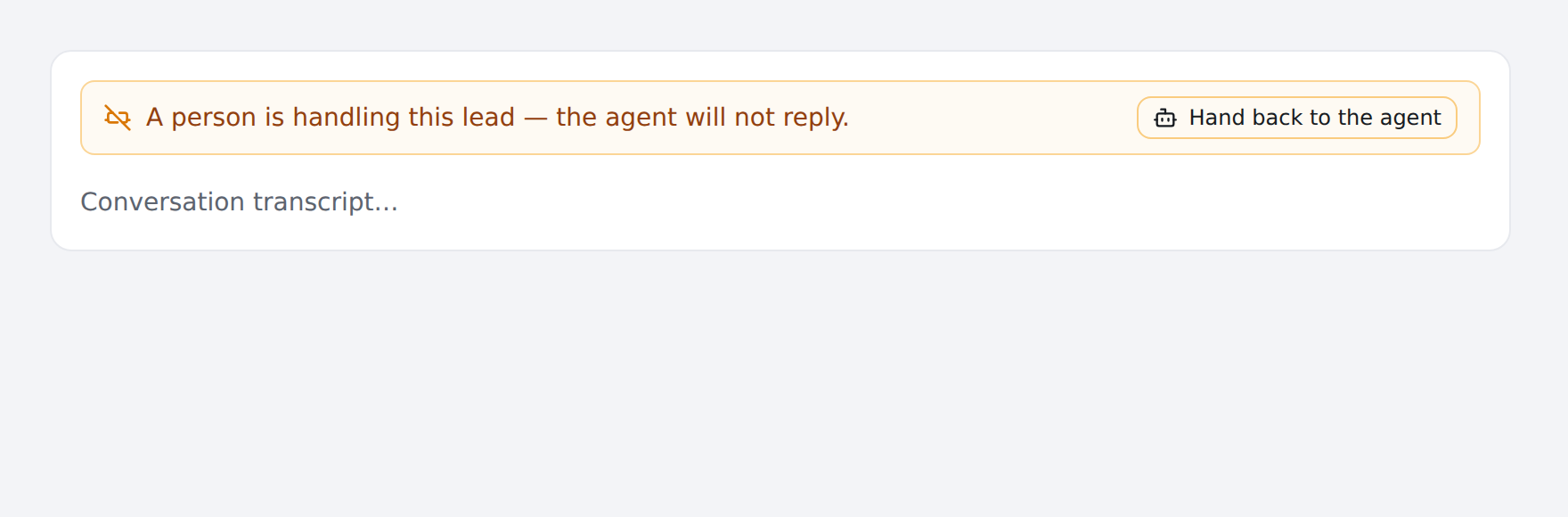
Pressing Hand back to the agent returns the lead to normal immediately. A pause is never permanent — the way back is on the same screen as the pause, because a takeover that could not be undone would mean answering one question at 9am silently opted that consumer out of automation forever.
If the undo fails — a network drop, a permission change — the banner says so rather than quietly leaving the agent paused.
Account-wide: replies made in Google's own dashboard
Your team can also reply from Google's Local Services dashboard or mobile app, without touching Karmaflow.ai. Karmaflow.ai can see those replies and can act on them.
Settings → Channels → Google Ads · Local Services → When someone replies in Google's own dashboard
| Setting | What happens when a dashboard reply is detected |
|---|---|
| Stop the AI on that lead (recommended) | The agent stands down on that lead. |
| Let the AI draft, a person approves | The agent keeps drafting; replies queue for approval. |
| Keep the AI replying | Nothing changes. |
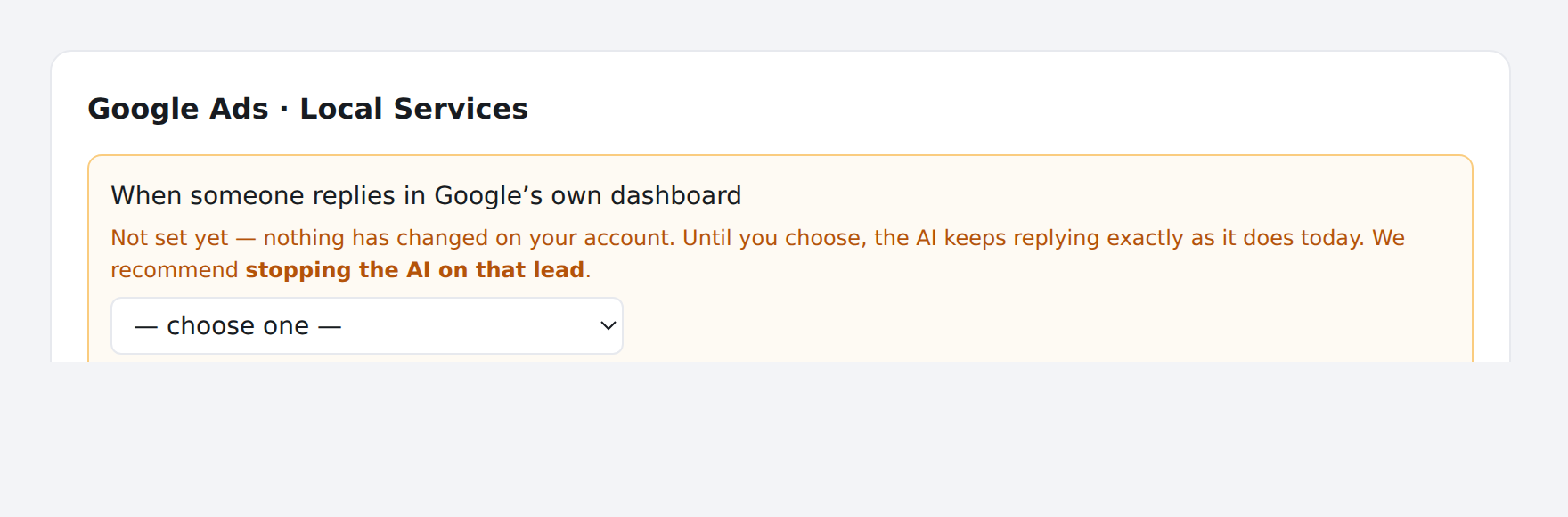
It arrives unset, and unset means nothing changes
Until someone chooses, the control shows:
Not set yet — nothing has changed on your account. Until you choose, the AI keeps replying exactly as it does today. We recommend stopping the AI on that lead.
This is deliberate. Detection and the setting were released together, so before them a dashboard reply was invisible and the agent carried on — not because anyone decided that, but because nothing could see it. Adopting the recommendation automatically would have changed live behaviour on every account without asking, and the symptom (an agent going quiet on leads a person touched) is the kind that surfaces weeks later attached to the wrong cause.
A choice made on an individual lead always wins over this setting. The per-lead control records what a person stated; the account setting infers from an observation, and an inference does not overrule a statement.
What can and cannot be detected
| A person replies… | Detected? |
|---|---|
| In Karmaflow.ai, from the transcript or the settings page | Yes — Karmaflow.ai sent it |
| In Google's Local Services dashboard or mobile app | Yes — it appears on the business side of the conversation without having come from us |
| By texting or calling the consumer from a personal phone | No |
The third case leaves no trace in Google's record or in Karmaflow.ai's, and there is no way to fix that. A setting described as "the agent stops when a person replies" means a person replies somewhere it can be seen.
What Karmaflow.ai saw
Once any business-side reply has been observed, the settings page reports it beneath the policy control:
Replies seen on the business side: 4 — 3 sent by Karmaflow, 1 sent from Google. Channels observed: MESSAGE, ADS_API Last reply from Google's dashboard: …
This is there so the setting can be checked against reality rather than trusted. If it says 0 sent from Google and your team does reply there, the detection is not seeing them and that is worth reporting.
Troubleshooting
The agent stopped replying to one lead and nobody meant it to. Open the transcript and look for the takeover banner. Press Hand back to the agent.
Someone replied in Google's dashboard and the agent kept going. Check whether the account setting has been chosen — unset means today's behaviour, which is to carry on. Then check the observations block: if it shows no replies from Google, the reply was not detected.
The banner is there but there is no undo button. Changing a lead's handling needs agents:sms:manage. Viewers see the state without the control.